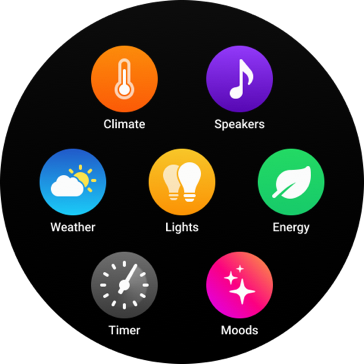



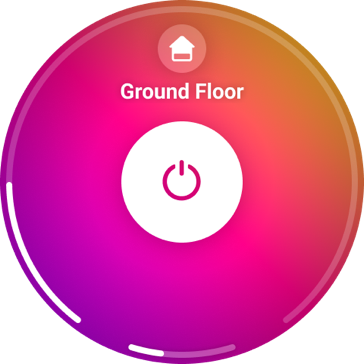

Tap for instant control. Turn all the lights on or off together, or control a single light separately.
Control your smart home, with a twist.
You’ve been doing this your whole life.
Just never to control your home.
Homey Portal covers the zone it’s in, so the lights,
music, and temperature are always close by.

Tap for instant control. Turn all the lights on or off together, or control a single light separately.
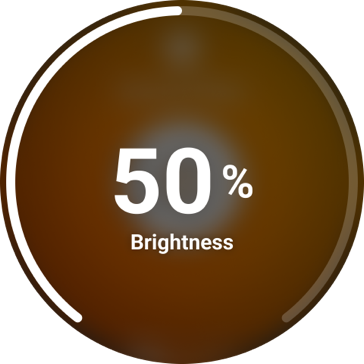
Twist to set the brightness. Turn the ring to dim or brighten your lights, and they change as you go.
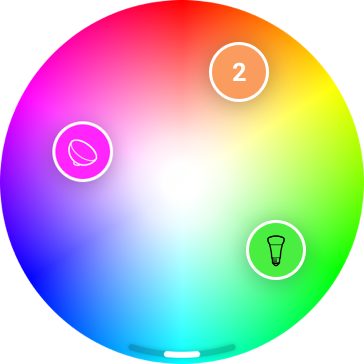
Drag to choose a color. Move a light around the screen until you find the color you want.
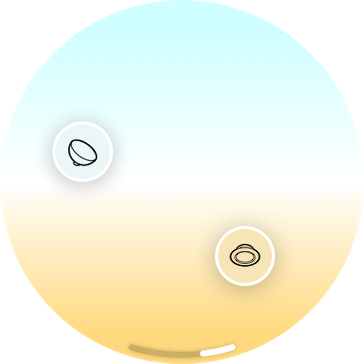
Drag to set the warmth. Grab a light and move it up toward cool blue or down toward warm amber.
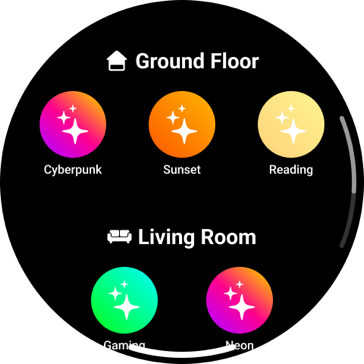
Tap to set the Mood. Pick one, from Cyberpunk to Reading, and the whole zone follows.

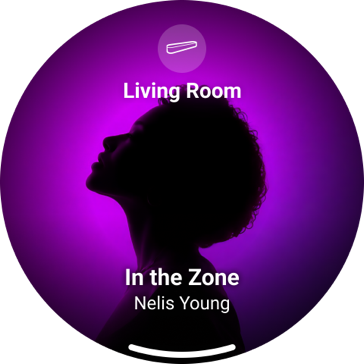
See what’s playing. The artist, track name, and album art appear right on screen.
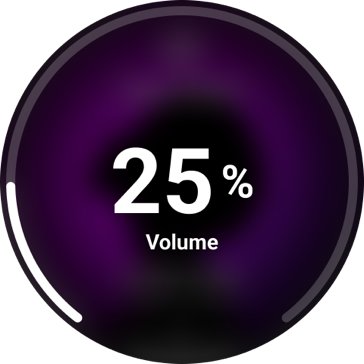
Twist the ring to adjust volume. The further you turn, the louder or quieter it gets.
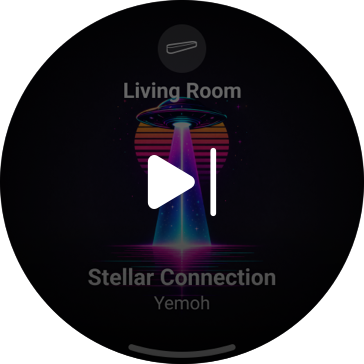
Swipe for the next track. From a slow ballad to something you can dance to.

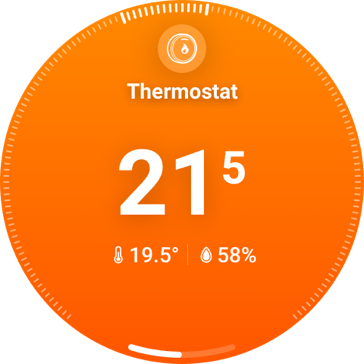
Glance and go. See the current temperature, target, and humidity in one view.
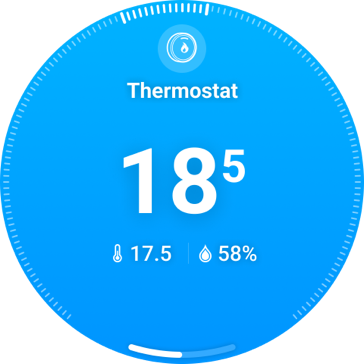
Color says it all. Orange means heating, blue means cooling. No need to check the mode.
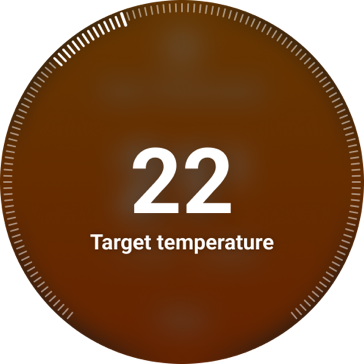
Twist to set your target. Turn the ring and the room heats or cools to match.
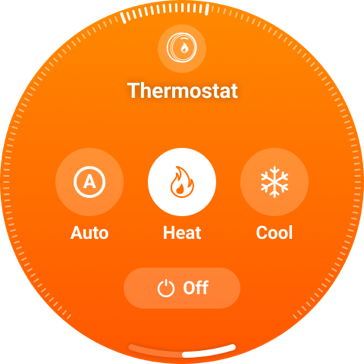
Tap to switch modes. Auto, Heat, Cool, or Off, whichever you need.

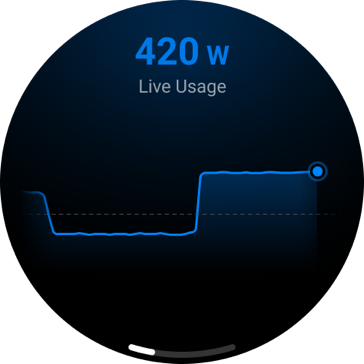
View real-time usage. Watch the wattage rise and fall as your devices switch on and off.
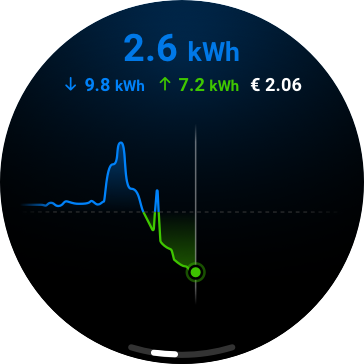
Glance at today’s numbers. See what you’ve imported and exported, both in one view.
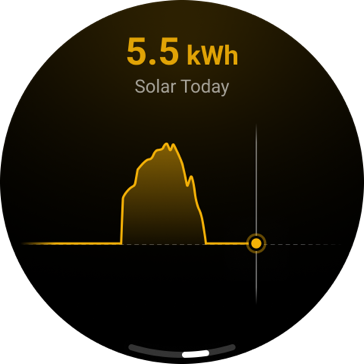
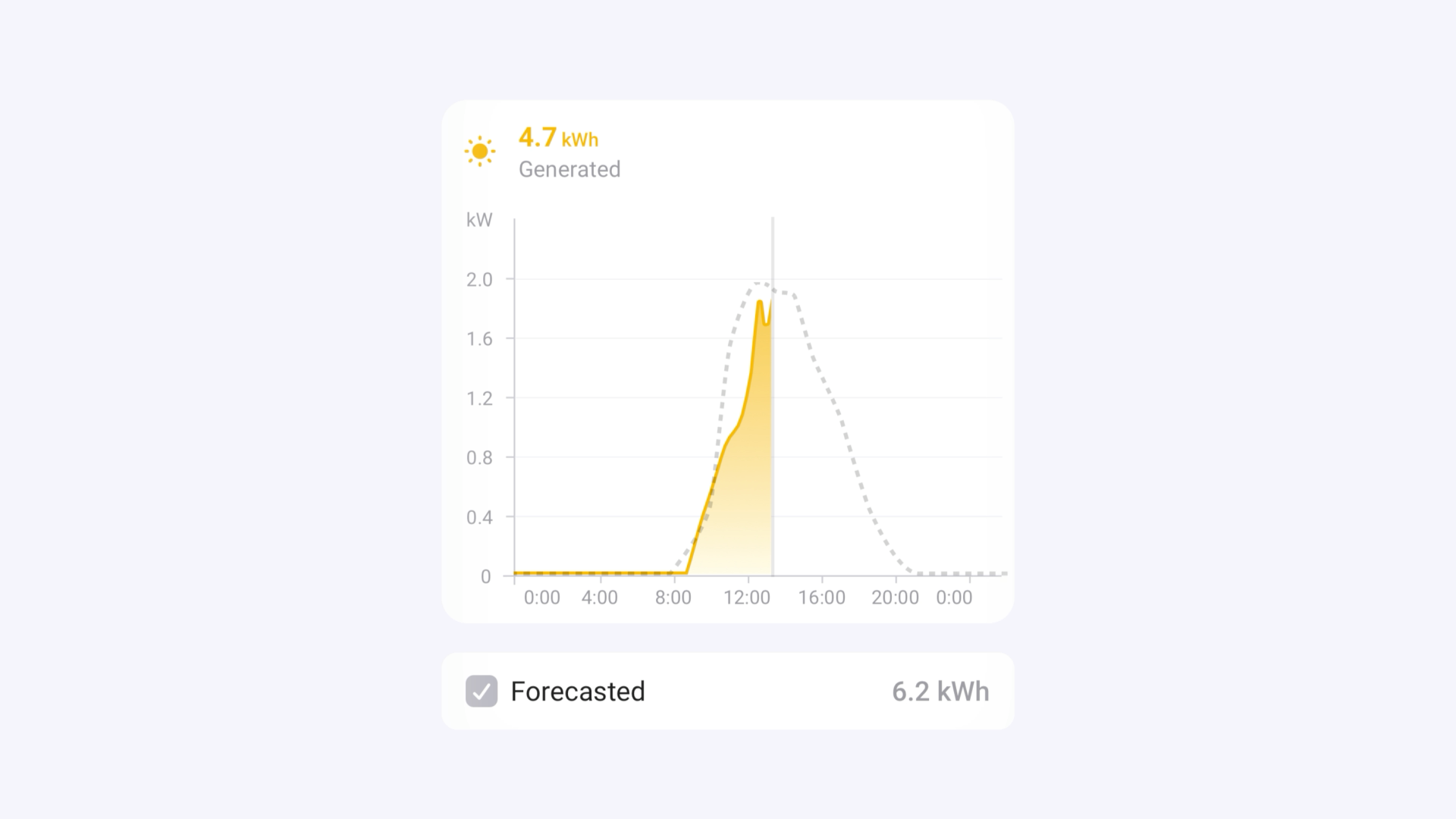
Check your solar yield. See how much power your panels are generating today.
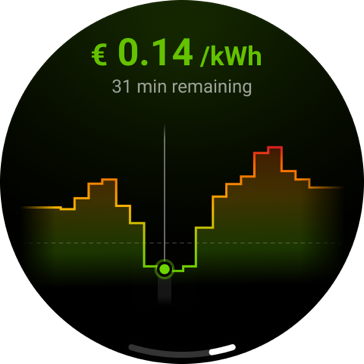
See today’s energy prices. Check the current rate and spot the cheapest hours.
Requires a Homey Energy Dongle or third-party smart meter. On Homey Cloud, Premium is required unless you use a Homey Energy Dongle.

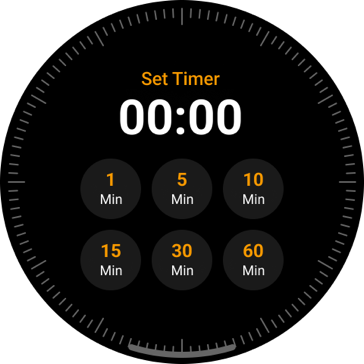
Choose from timer presets. Tap a common length, and the timer’s running.
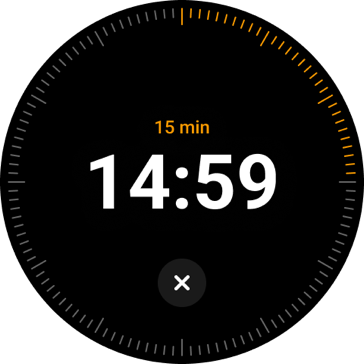
Twist to set the timer. Turn the ring for more time, exactly how you’d expect.
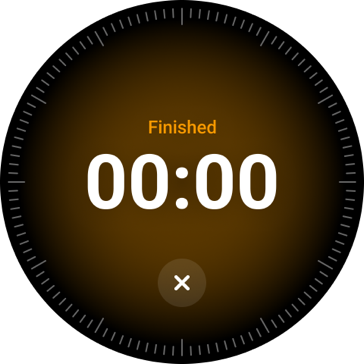
Screen glows, timer beeps. When the timer ends, it can even start a Flow.

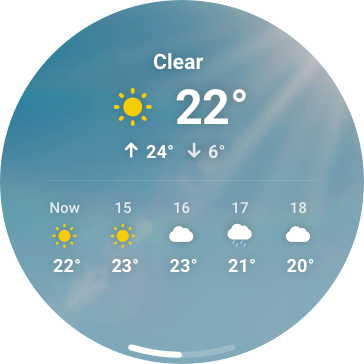
Quickly glance at today’s weather. See the forecast for right now and the next few hours.
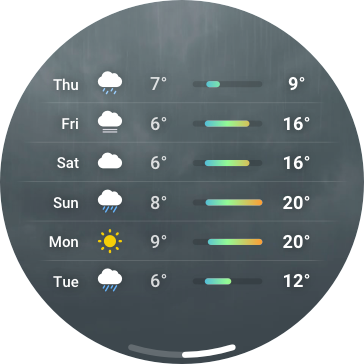
Check what’s coming this week. The highs and lows for every day ahead.
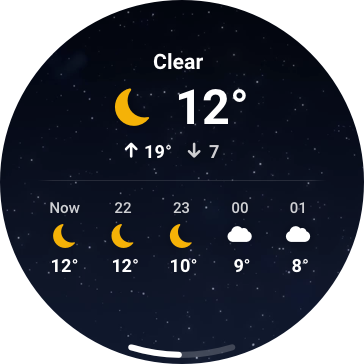
Backgrounds that shift with the weather. Clear, cloudy, or dark outside, your display shows it too.
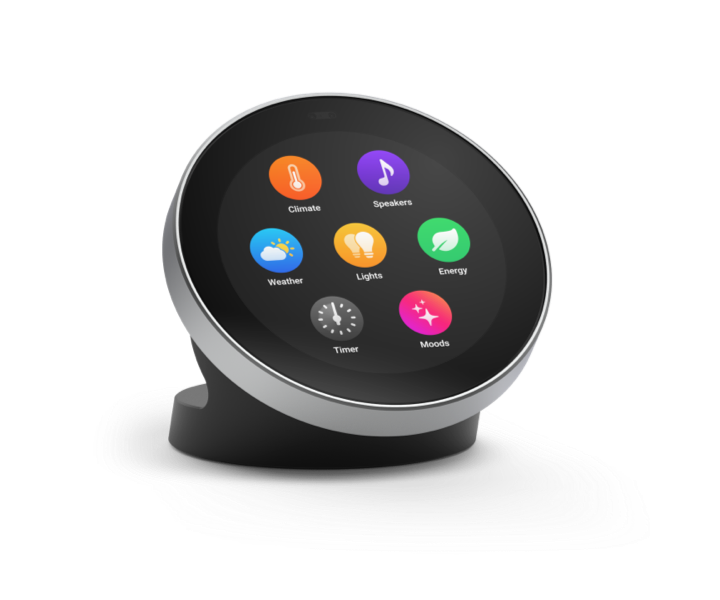
Pin your most-used Flows, Moods, or devices. Add multiple pages and drag icons to rearrange them.
Confirm someone’s at the door, get a reminder to water the plants,
or check a live camera feed, without picking up your phone.

Set a quick action for your zone. A double tap can toggle the lights,
start a Flow, set a Mood, or play or pause your speakers.
The right parts, doing exactly what they need to. Built by
people who care about smart homes as much as you do.
Proximity Sensor
2.8" Touchscreen
Capacitive Touch Sensor
Quad-Core Cortex-A55 CPU
Magnetic Rotation Sensor
Speaker
USB-C Port
Stainless Steel Rotary Ring
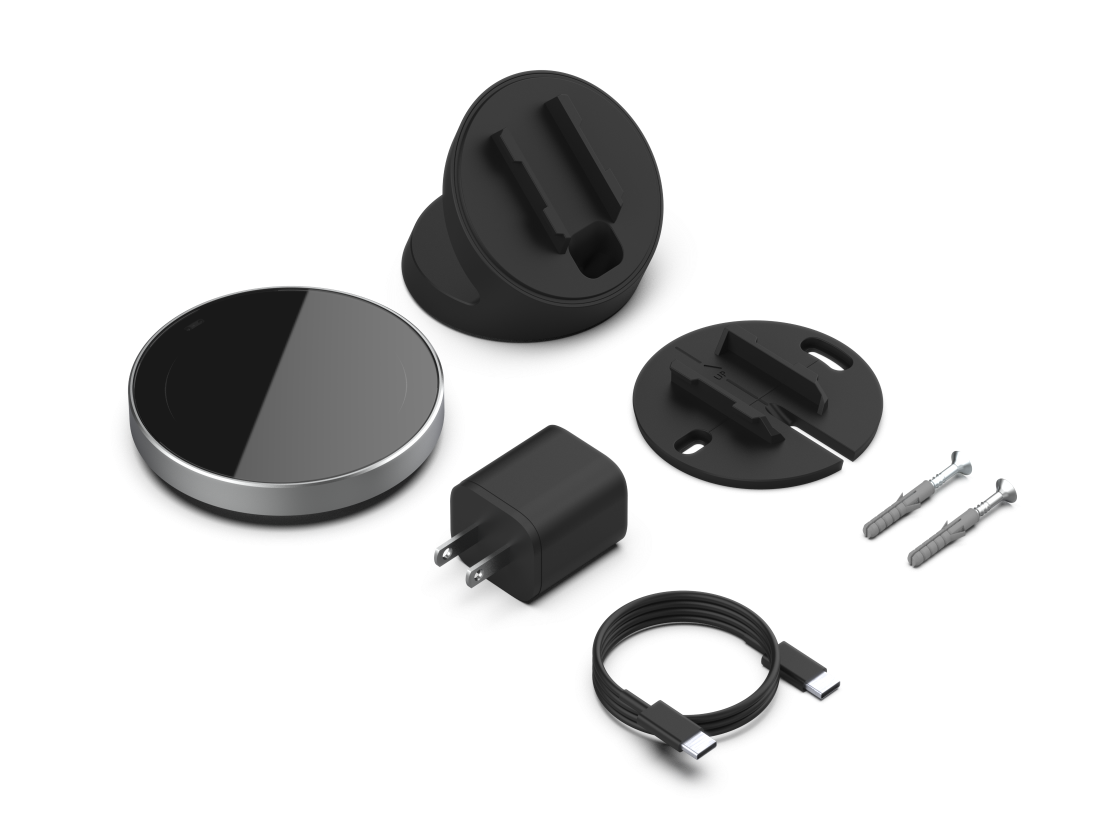
Homey Portal comes with two mounting options in the box.
Pick whichever fits your space.
Slide it into the base, no tools needed, and the cable disappears down the back.
Mount it with the included plugs and screws, right where everyone can reach it.
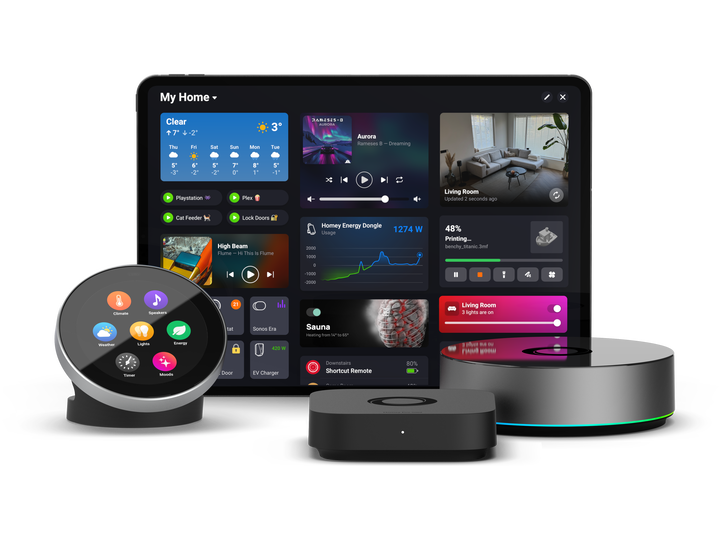
Homey Portal works with Homey Cloud, Homey Pro, Homey Pro mini,
or Homey Self-Hosted Server, right out of the box.
Homey Portal, both mounting options,
and everything else you need to get started.


Be among the first to own it, at our introductory price of $ 249.
The regular price is $ 299. Order more than one, and save extra.
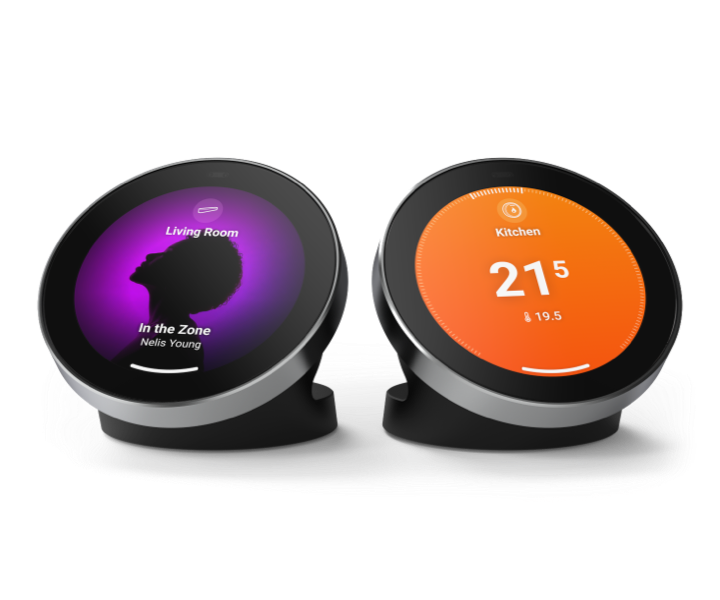
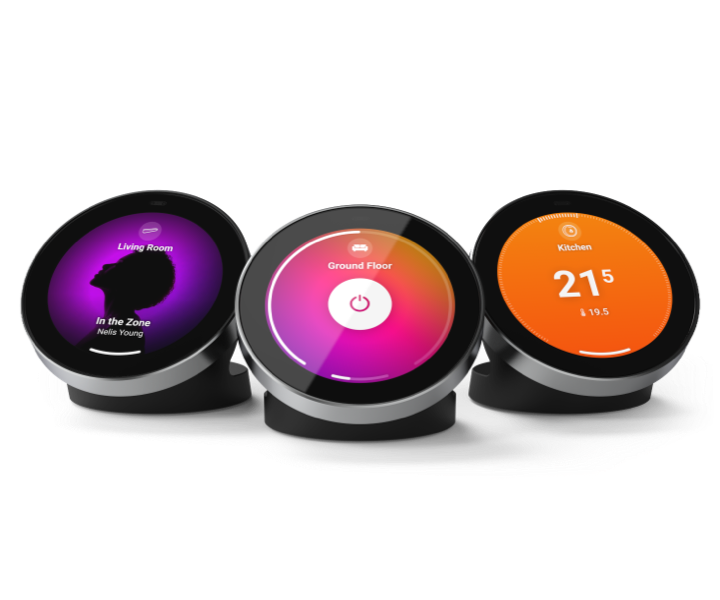
Homey Portal works with Homey Cloud, Homey Pro (2023 — 2026), Homey Pro mini, and Homey Self-Hosted Server. Homey Cloud is free for your first 5 devices and can be upgraded to Premium as your smart home grows.
Yes. You need the Homey app for iOS or Android to set up and customize Homey Portal, for example, to manage shortcuts.
Homey Portal belongs to one zone, such as your living room. It can control everything in that zone, including any zones within it.
To control a different zone, add another Homey Portal there. You can also tap any device outside the current zone, or add a shortcut to any device in your home.
Homey Portal supports most device types. If a device can’t be controlled yet, support may be added in a future update.
Homey Portal connects to one Homey at a time. To control devices from another Homey, you can use the HomeyLink app.
Yes. You can remove the standard icons and only show shortcuts for the devices you want guests to use. You can only make changes in the Homey app, so guests can use the display without changing it.
Yes. You can download a free 3D reference schematic to print and build a custom mount.
No. You can’t replace your thermostat with Homey Portal because it doesn’t communicate directly with your boiler. It can, however, control thermostats, air conditioners, and other heating devices that work with Homey.
The $ 249 price is for the first batch only. After that, Homey Portal costs $ 299.
Orders ship first-come, first-served, and are expected to go out before the end of 2026. We’ll email you as your order gets closer to shipping.
Yes, you can cancel your pre-order any time before it ships, for a full refund. Open your confirmation email and click View your order, or go to My Orders in your account.
Be among the first to receive your Homey Portal.
 Belgium
 Bulgaria
 Croatia
 Cyprus
 Czech Republic
 Estonia
 Finland
 Greece
 Hungary
 Iceland
 Ireland
 Latvia
 Lithuania
 Malta
Malta
 Moldova
 The Netherlands
 Portugal
 Romania
 Slovakia
 Slovenia
 Türkiye
 Ukraine
 United Kingdom